SCUM server hosting
with your players on a live map.
SCUM is heavy, and we say so up front: an empty server on our own node holds 9.57 GB before anyone joins, so the plan starts at 12 GB from $32/mo — not a slot count on a box that cannot hold the island. All 75 server settings are labeled fields, a ban from the Players tab lands within seconds, and the Map tab shows the island with your players on it. On a Ryzen 9 9950X, with guaranteed dedicated RAM.
- ✓Backed up nightly, off-site — restore or download them yourself.
- ✓Every file is yours — file manager and config editor in the browser.
- ✓Share the server, not your account — and take the keys back anytime.
- ✓Switch games later, keep the world — your RAM is a pool.
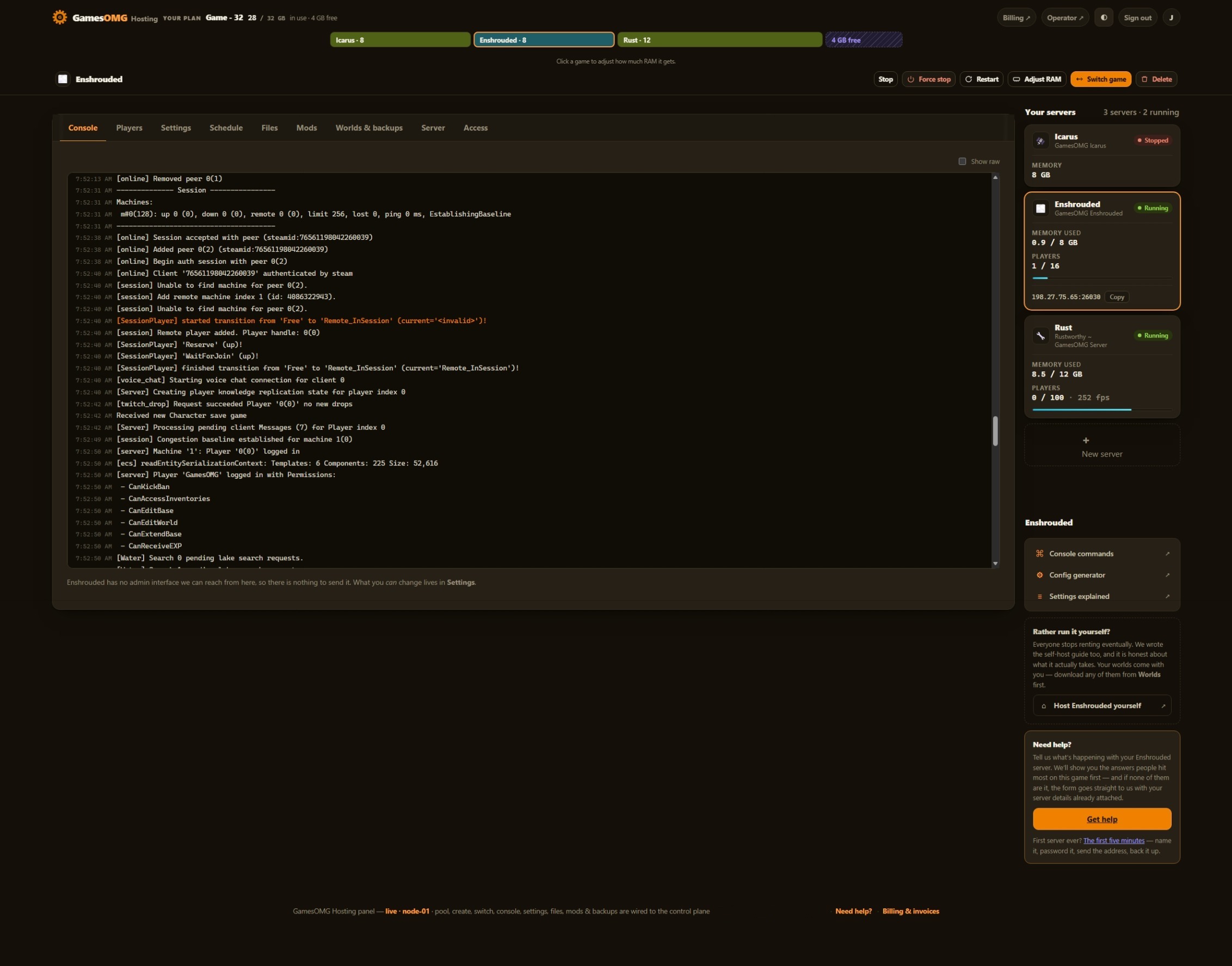 Shown on Enshrouded — panel may differ slightly by game
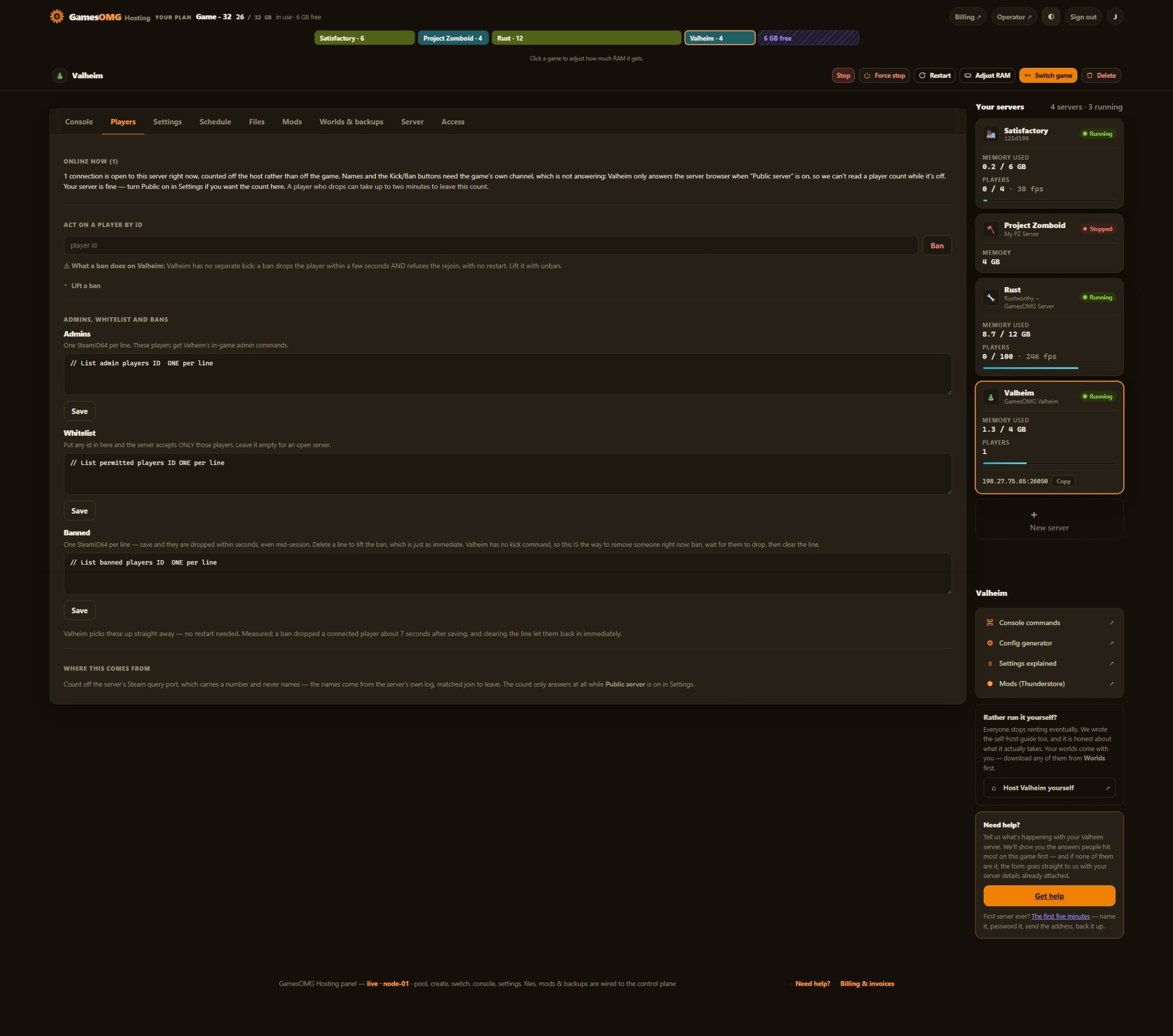 Shown on Valheim — panel may differ slightly by game
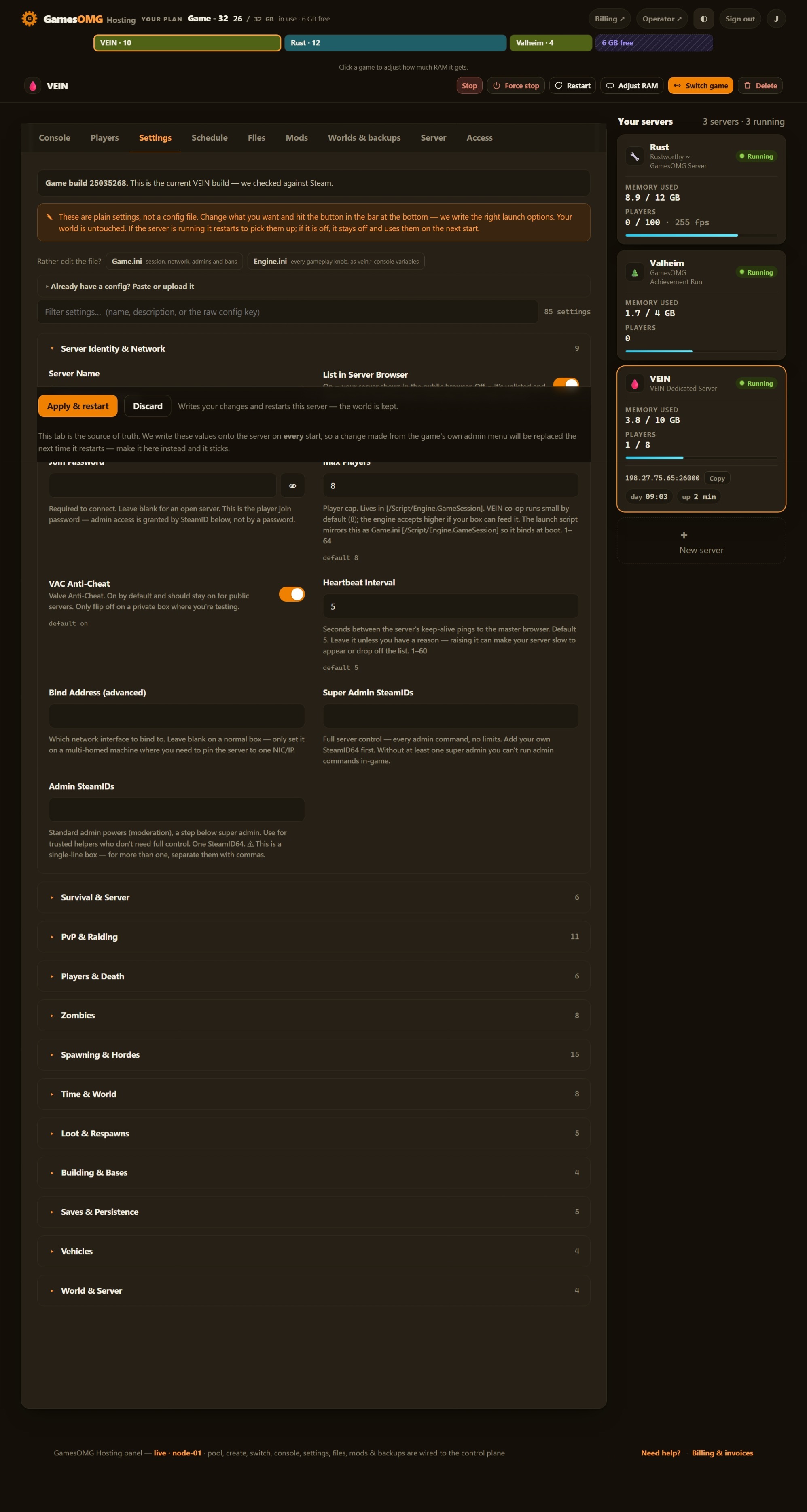 Shown on VEIN — panel may differ slightly by game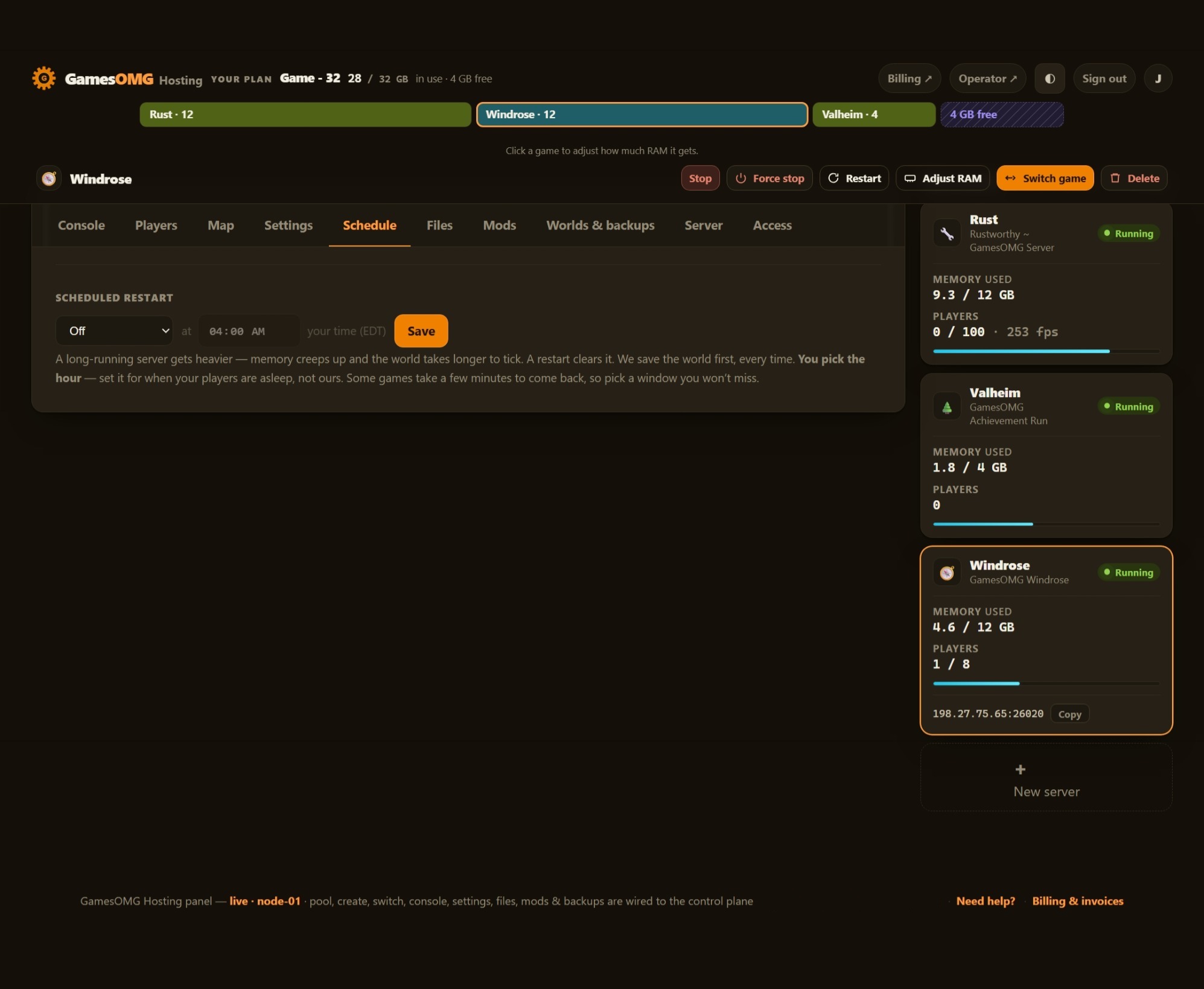
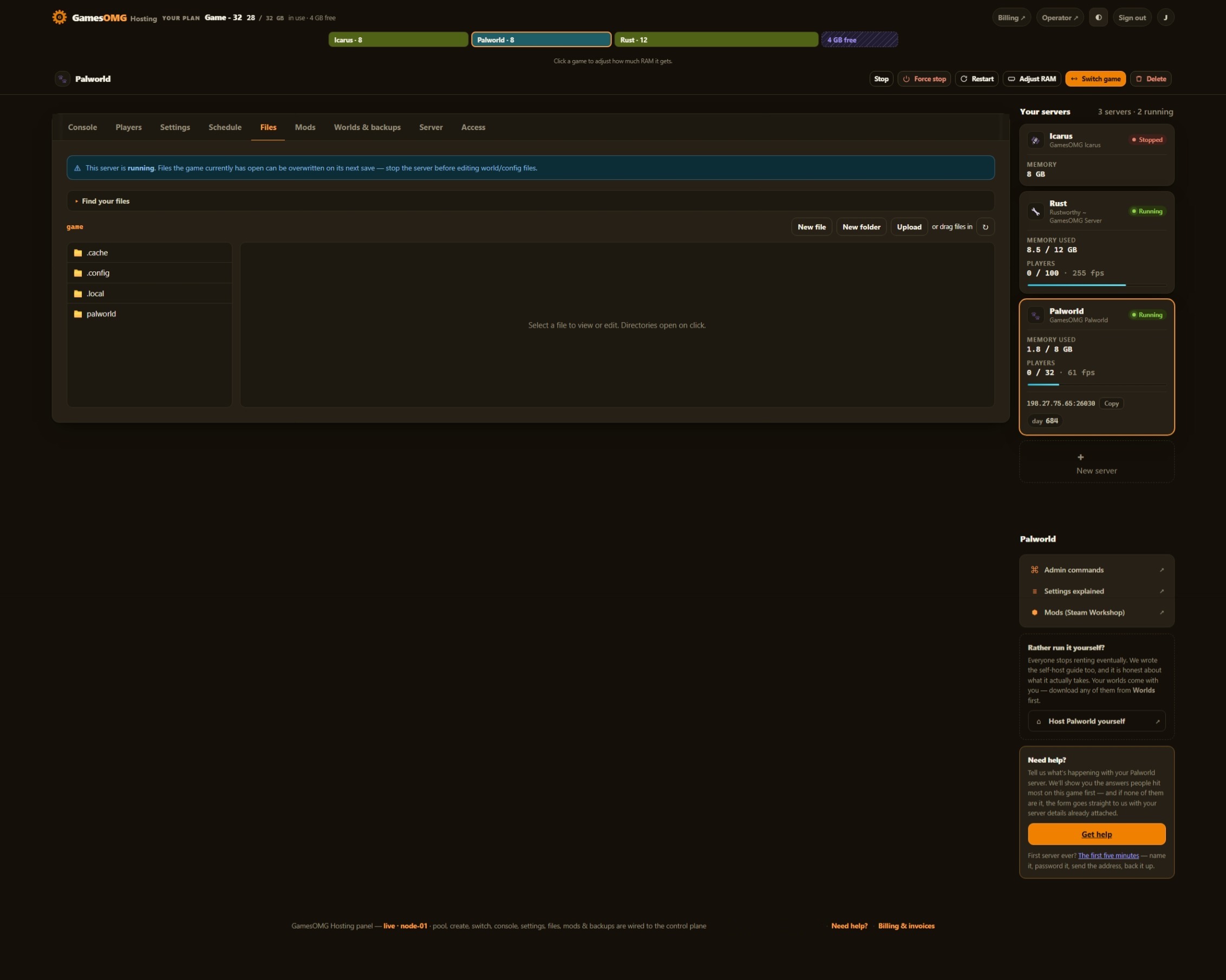
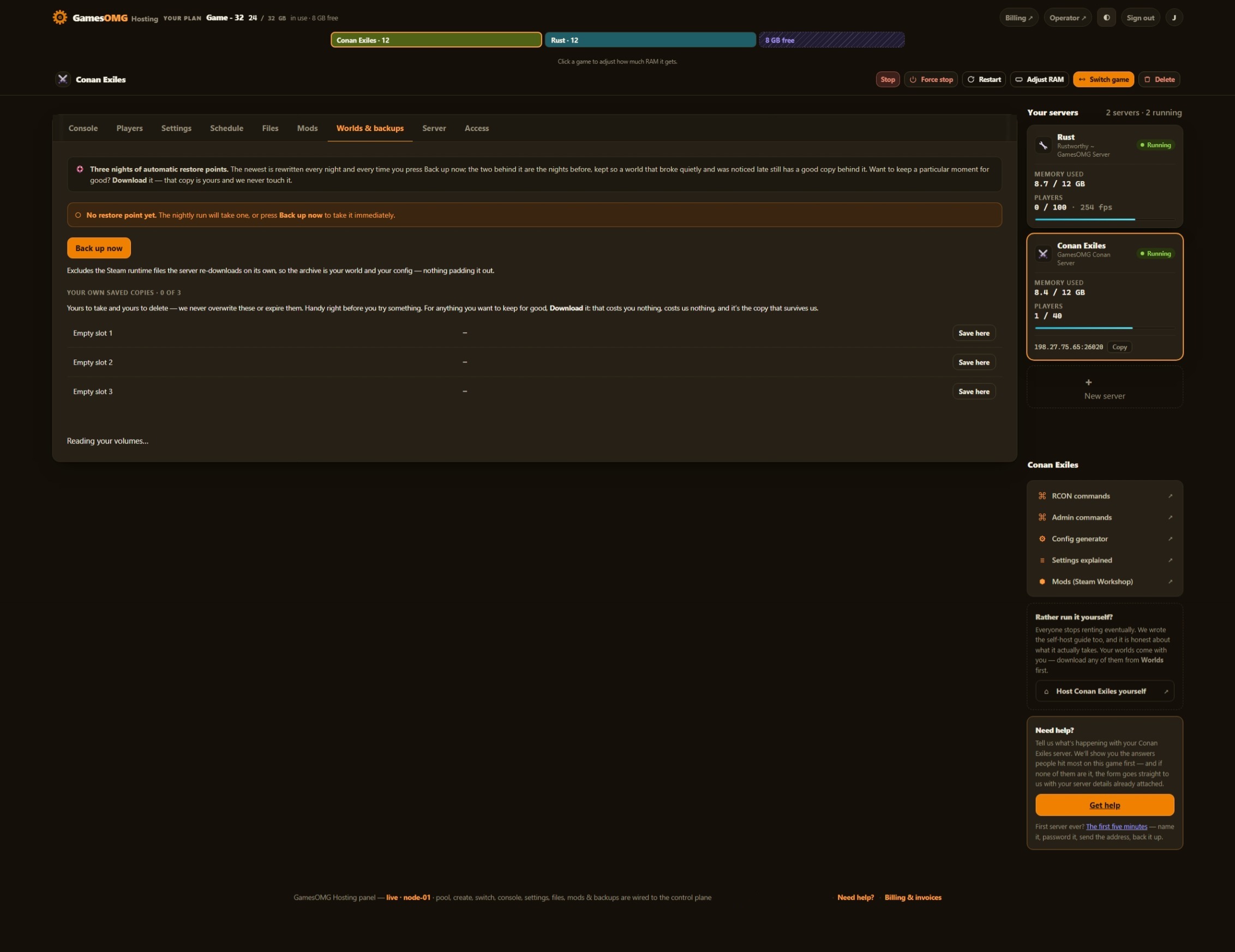
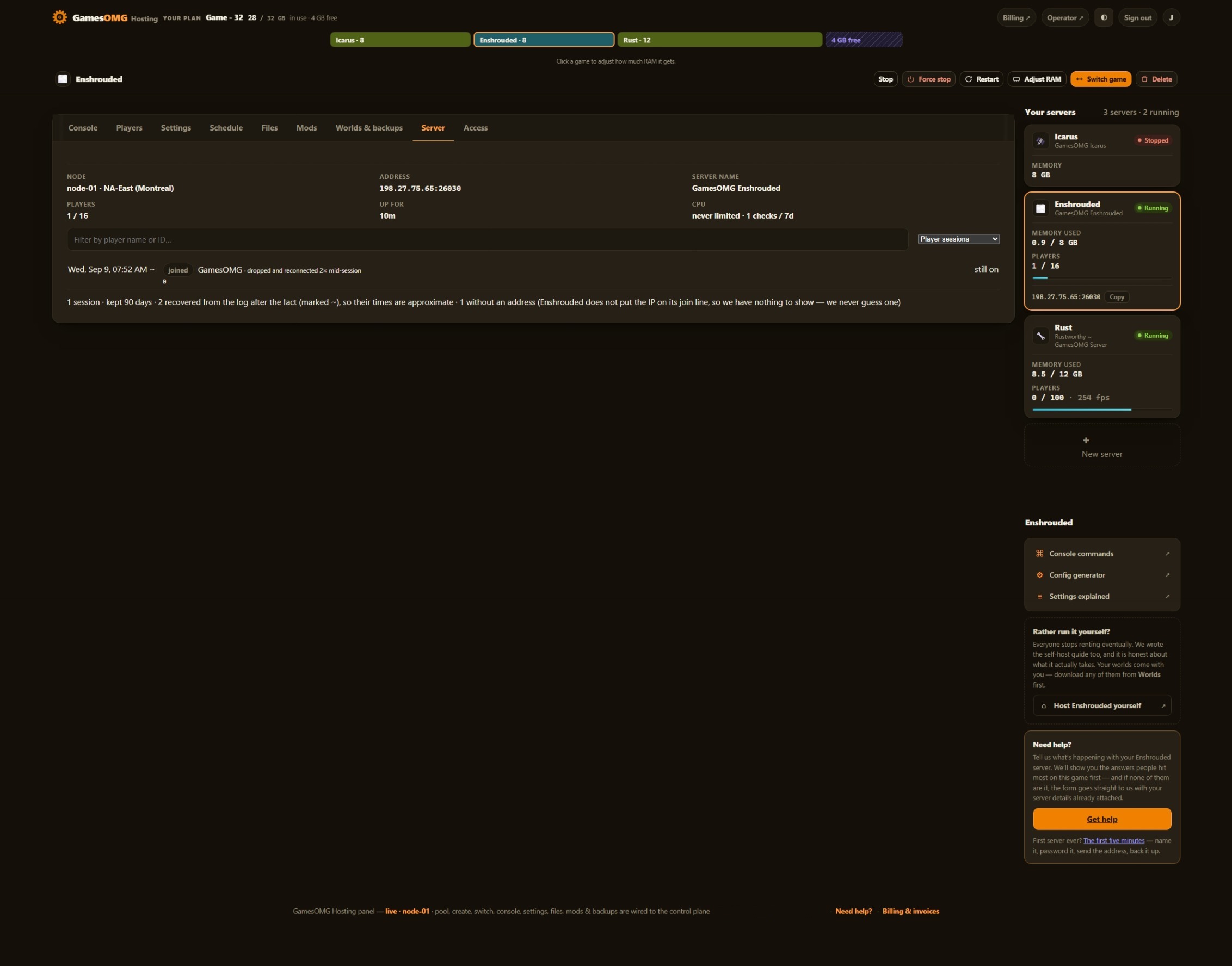
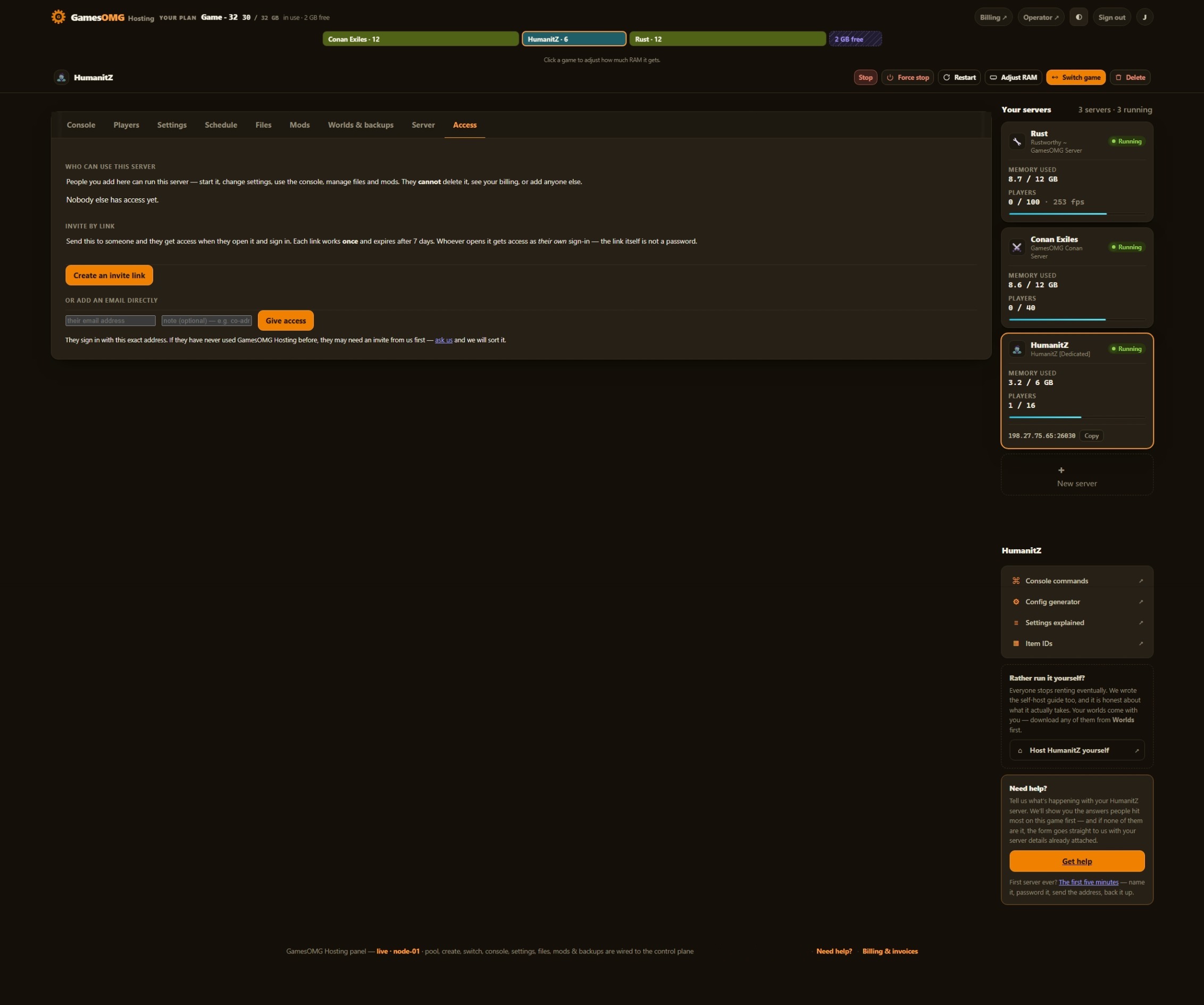
Automatic server install.
75 settings as labeled fields, each with the game’s own default beside it
No mod loader to install — SCUM’s loot, economy and quest files are yours to edit in the browser
Nightly off-site backups, full file access, and your world downloadable any time — plus a live map in your panel
You set the player limit — SCUM ships at 32, and we never sell slots
Small groups and fresh worlds — the smallest box we would run this on
monthly · no contracts · 72-hour money-back · nightly off-site backups · cancel from the panel
What comes with a SCUM server
All of it on every plan. The rungs differ by memory, not by what you are allowed to do.
Run it from the browser
No SSH, no ticket, no waiting on us.
- ✓Start, stop and restart whenever you like
- ✓Scheduled restarts on a timer you set
- ✓75 settings as labeled fields, with the game’s own default beside each one
- ✓Password your server and see who is on it
- ✓Switch this server to another game and your SCUM world is kept — no charge, no rebuild, switch back whenever
- ✓A live map of the island with your players on it — positions refresh about every 90 seconds, as often as SCUM itself writes them
- ✓“Online” means the world is running — the panel waits for SCUM’s first world tick, not just an open port
A world that actually saves
The part we found the hard way.
- ✓Hard stops are safe — we stopped it hard several times in a row and the world reopened clean every time
- ✓Backups of a running server are real copies — taken with the database’s own online backup and integrity-checked, never a raw file copy that can catch it mid-write
- ✓Written as it plays — the world is one database the game commits the whole time it runs, so a stop has nothing left to save
- ✓Nightly off-site backups — restore or download any of them yourself
Mods, bans and your files
They stick across restarts and updates.
- ✓Bans that land in seconds — from the Players tab, with the server on or off; the banned list shows names, with an Unban on each
- ✓No official mods in SCUM — no Workshop and no loader, so no mod button here. Its economy, loot, quest and raid-time files open in the file manager instead
- ✓File manager and config editor in the panel
- ✓Share it with a friend — an invite link or their email, for this one server, revoked whenever you like
- ✓A history you keep — joins, leaves, power actions and setting changes, stored outside the container so a rebuild cannot erase it
- ✓Bring a world in, or take yours out, whenever you want
The hardware, named
You can go and look every part of this up.
- ✓AMD Ryzen 9 9950X — not “premium hardware”
- ✓NVMe SSD storage
- ✓Dedicated RAM, never oversold — the number is on your receipt
- ✓DDoS-protected network
- ✓Direct game and query ports — no proxy hops
- ✓NA East (Montreal), one location, stated plainly
The three things we found
running SCUM ourselves.
Each one is a fix on our own node, and each one is a support ticket you never open.
We put it back before the game looks.
SCUM keeps a small Metadata.json in its save folder, and a save folder without it gets wiped — world included. A brand-new server is exactly that case, and so is a backup restored without that one file; our own first test boot crash-looped on it. So the platform writes the game’s own 19-byte file whenever it is missing and never touches it when it is there, and a harness proves both on every deploy.
We fix the cause on every boot.
At start-up SCUM checks its own graphics libraries and quietly turns multiplayer off if it does not trust them — the server runs, the log looks healthy, and nobody can join. Running it on Linux, the way we do, is exactly that case, and the fix passed around for it treats the wrong thing. We switch off the check’s cause on every boot, and our image build fails outright if a test server ever logs that check failing — so a broken image never reaches you.
A backup you can actually restore.
SCUM keeps its whole world in one database and writes it the entire time the server is up. Copy that file the ordinary way while the game runs and you can catch it halfway through a write: a backup that looks fine and will not load. We copy it with the database’s own online backup, from inside your server, then check the copy’s integrity. The same design is why a sudden stop costs you nothing — we pulled the plug on it several times running and it reopened clean every time.
How much RAM does a SCUM server need?
An empty SCUM server on our own node held 9.40 GB seven minutes after boot and 9.57 GB ten minutes later, peaking at 9.67 GB while it loaded — read off the kernel, before a single player joined. On a 10 GB box that is 96% with nobody on, close enough that the first busy moment becomes a stall; we have withdrawn a rung for exactly that before. So the plan starts at 12 GB at $32. What we have not measured yet is a busy island: every number here is an empty one, and players spreading across the map is the growth that matters. Go to 16 if your group is big, or 24 to run a second game beside this one — the plan is a pool, so you can move the RAM later without losing a world.
And if you would rather not choose: your RAM is a pool. Size up once and run SCUM and something else side by side on the same plan, with no second bill.
Straight answers, no pitch
How much does a SCUM server cost?
From $32/mo for 12 GB of guaranteed dedicated RAM, $41 for 16 GB or $59 for 24 GB. No setup fee and no slot pricing — the player cap is a setting in your panel, not a line on your bill.
How much RAM does a SCUM server need?
More than most, and we would rather show you than round it down. An empty SCUM server on our own node, read off the kernel rather than a dashboard, held 9.40 GB seven minutes after boot and 9.57 GB ten minutes later, peaking at 9.67 GB while it loaded — before a single player joined. On a 10 GB box that is 96% with nobody on, which is not a floor. So the plan starts at 12 GB. What we have not measured yet is a busy island: those numbers are an empty one, and players spreading across the map is the growth that matters. Big group? Start at 16 — the plan is a pool, so you can move the RAM later without losing the world.
How do my friends join?
Your panel shows the exact address to type into SCUM — host and port, ready to copy. SCUM takes players on a different port from the one the server is started on, which trips people up, so we print the one that actually works. And the panel only says the server is online once the world is running, not the moment a port opens, so nobody is sent to a server that is still loading.
Can I change the server settings?
Yes — all 75 of them, each a labeled field with the game’s own default beside it. SCUM rewrites its own settings file every time it starts, so we checked the part that matters: your values survive that rewrite. Nothing to hunt for in a file, no launch flag to type, and the file is still there in the file manager if you would rather edit it. It lives on your volume, so a restart, a resize or a game switch cannot reset it.
Can I run mods on a SCUM server?
Not in the Workshop sense, and we would rather say so before you buy: SCUM has no official mod support on the current build — no Workshop and no mod loader — so there is no mod button on this page. What SCUM does have is deep customisation through its own config files: economy, loot, quests, raid times and notifications all live in the server’s config folder, and every one of them opens in the panel’s file manager.
How do I ban someone?
From the Players tab, in one click. We tested it the hard way, by banning our own account while it was on the server: kicked 0.2 seconds later, and the rejoin was refused. Unbanning is the same click and takes effect the same way. The banned list shows each player by name, with an Unban on every row — and it all works with the server switched off, too, because SCUM reads its ban list as it starts.
Will I see who is on my server?
Yes — names, not just a count, read from the game’s own database. The panel also keeps a join-and-leave history from the server’s log, outside the container, so a restart or a rebuild cannot erase it.
Is there a map?
Yes — the Map tab shows the whole island with your players on it. Positions refresh about every 90 seconds, which is as often as SCUM itself writes them; there is no setting that makes the game write them faster, so we say 90 seconds rather than “live” and leave it there.
Does the panel have a console I can type commands into?
You get the live console to read, but not to type into, and the reason is the game: SCUM has no RCON — no remote admin channel at all. Its admin commands are typed in-game. What the panel console shows is the server’s own log, live, with the Steam login tickets that SCUM prints cut out, so a shared screenshot of your console never leaks one.
What happens to my world if the server stops suddenly?
Nothing, and we checked. SCUM keeps its whole world in one database that it writes the entire time it runs, so there is no save waiting to happen. We stopped it hard, several times in a row, and the world reopened clean every time — same world, no reset.
Do you back up my world?
Yes — nightly, automatically, off-site on a separate network, plus your own named copies we never overwrite and one kept from before every game update. Restore or download any of them yourself from the panel, no ticket. And a backup of a running SCUM server is a real copy: an ordinary file copy of a database that is being written can catch it halfway through a write and give you a backup that will not load, so we copy it with the database’s own online backup and check the copy’s integrity.
Can I move an existing SCUM world here?
Yes — upload your save through the panel file manager and it loads on the next start. It works the other way too: your world is yours to download whenever you like, including on your way out.
Can I switch my server to another game later?
Yes, and your SCUM world stays put. Switching moves your plan’s RAM to a different game; switch back and the world is waiting. No second bill, no reinstall and no extra charge — the plan is a pool of RAM, not a slot in a box.
Where are the servers?
NA East (Montreal) — AMD Ryzen 9 9950X, NVMe storage, DDoS-protected network, direct game and query ports with no proxy hops.