HumanitZ server hosting
with the RAM number on the receipt.
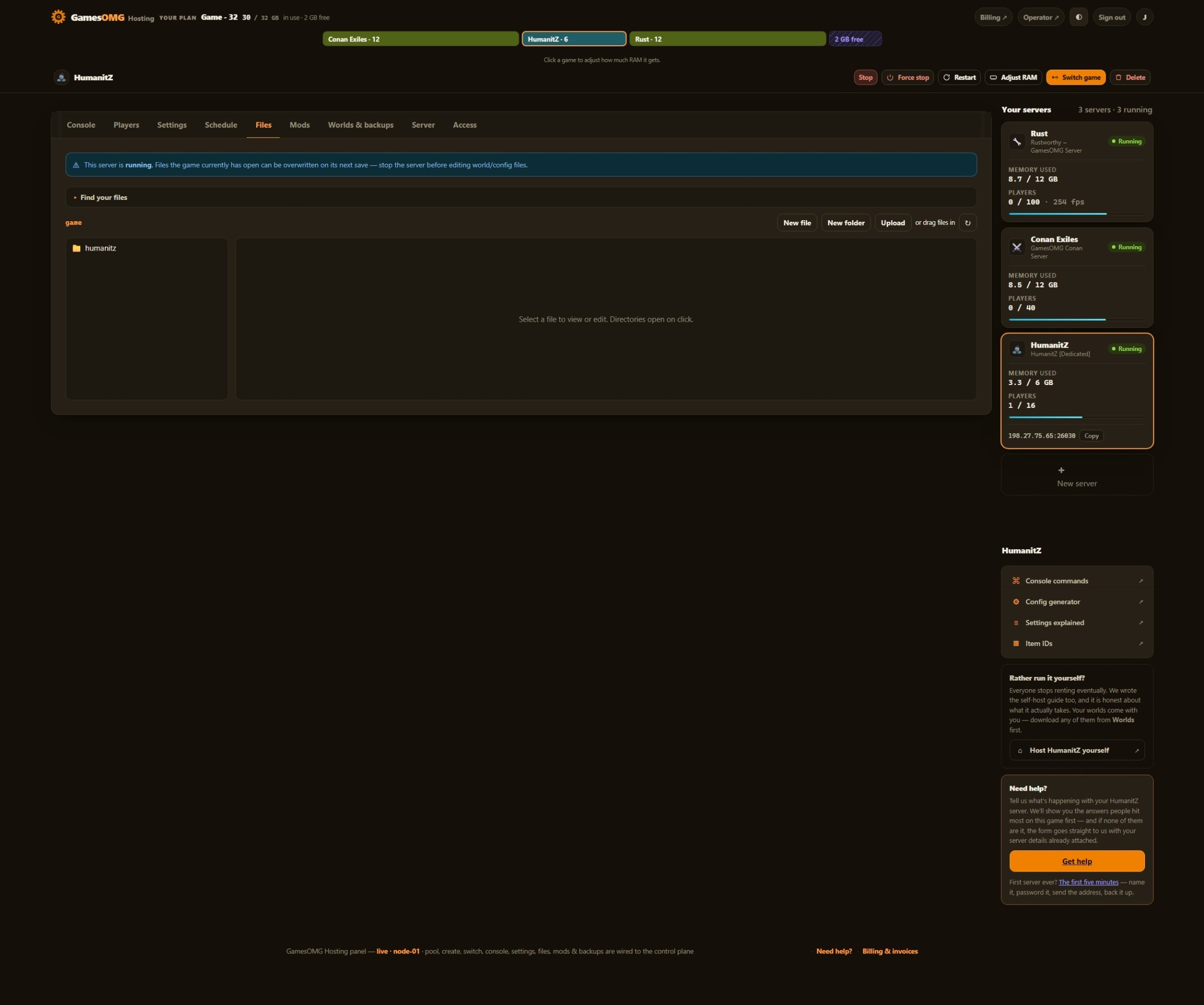
HumanitZ is lighter than most survival games — we measured a fresh server idling near 3.8 GB before anyone joined. That is exactly why our floor is 6 GB from $16.50 and not the 4 GB that idle number tempts a host to sell, instead of hiding the memory behind a slot count. All 90 keys in GameServerSettings.ini are yours to edit in the panel, and your edits survive a rebuild — the file lives on your volume, not inside the image.
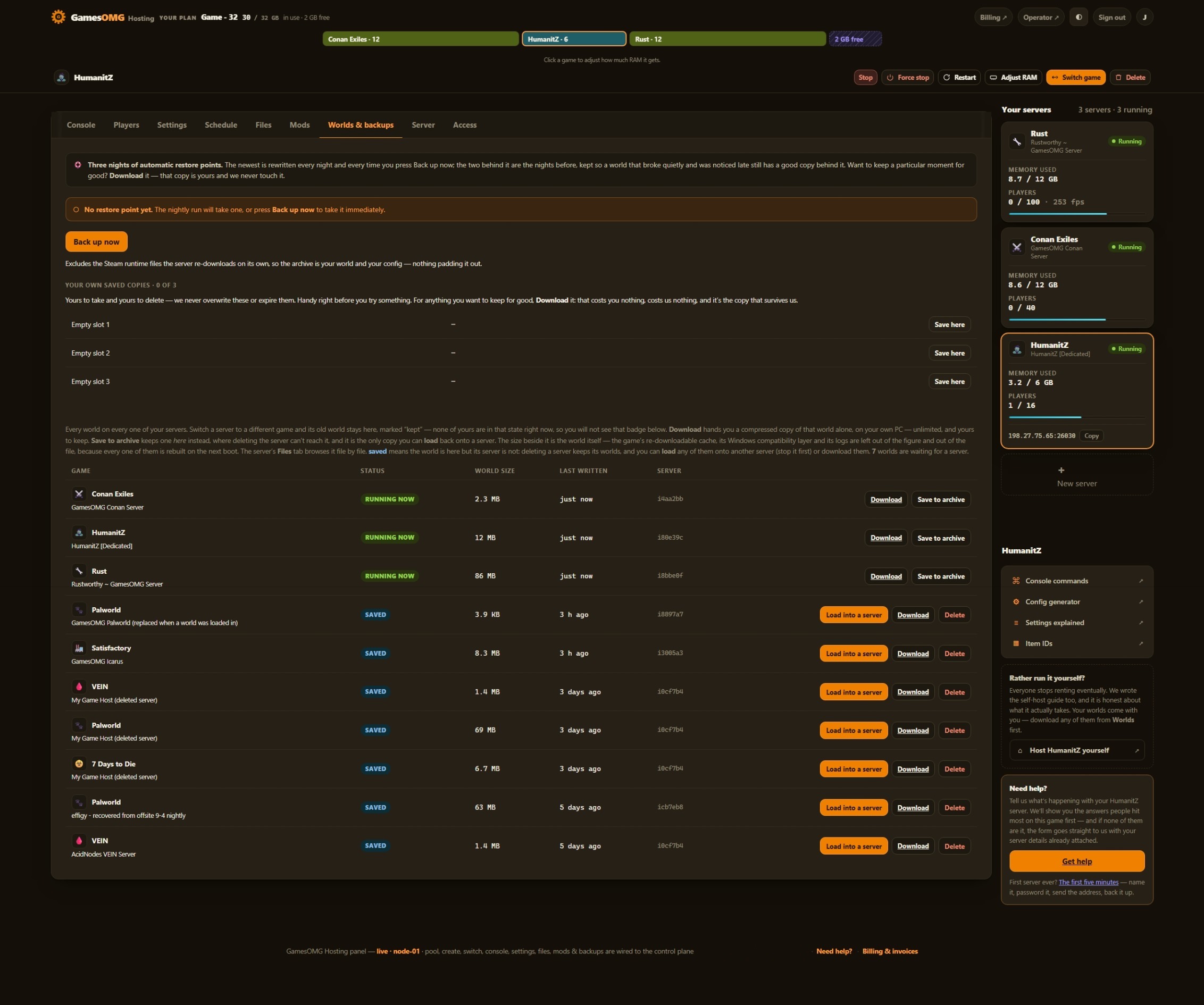
- ✓Backed up nightly, off-site — restore or download them yourself.
- ✓Every file is yours — file manager and config editor in the browser.
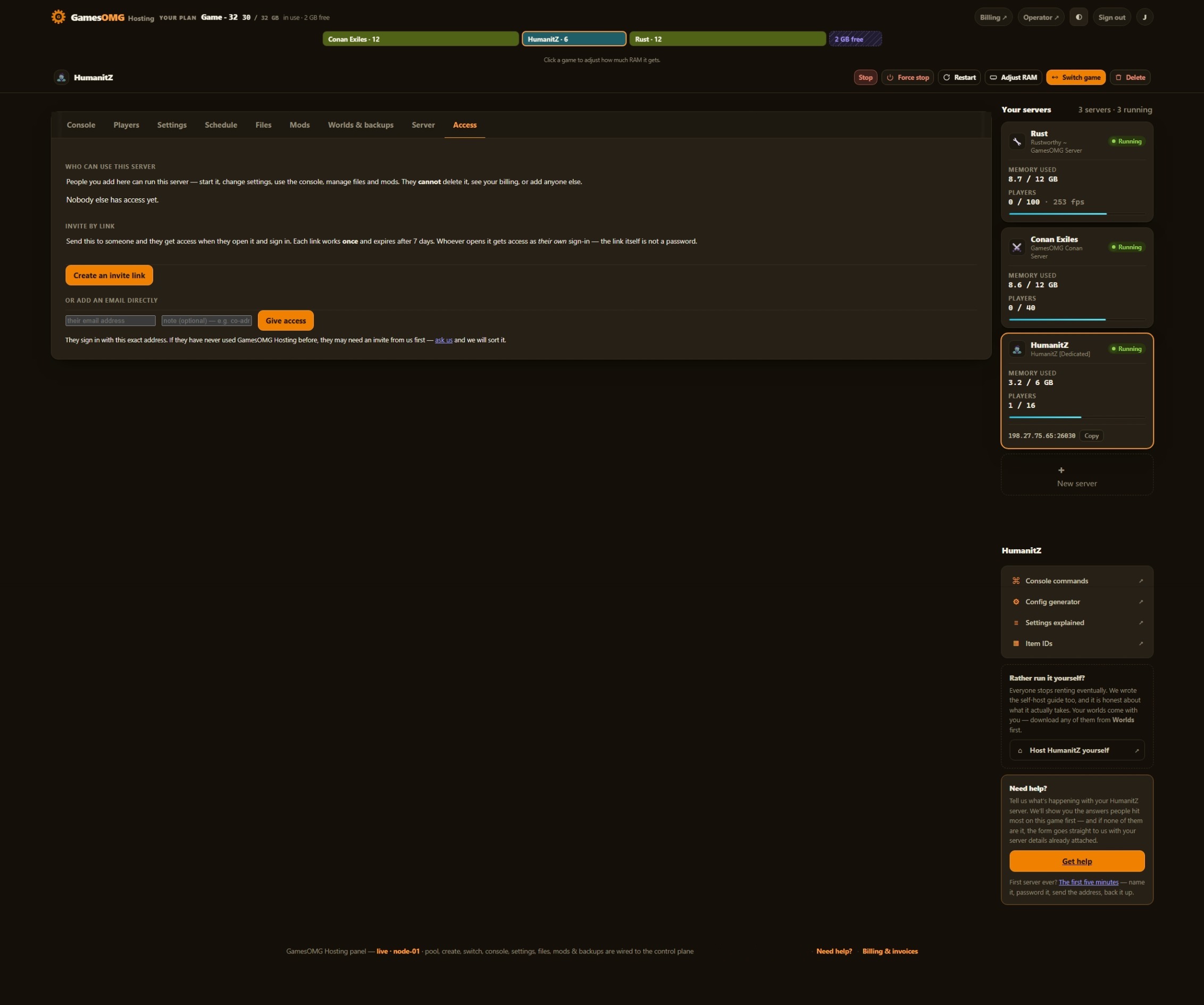
- ✓Share the server, not your account — and take the keys back anytime.
- ✓Switch games later, keep the world — your RAM is a pool.
Automatic server install.
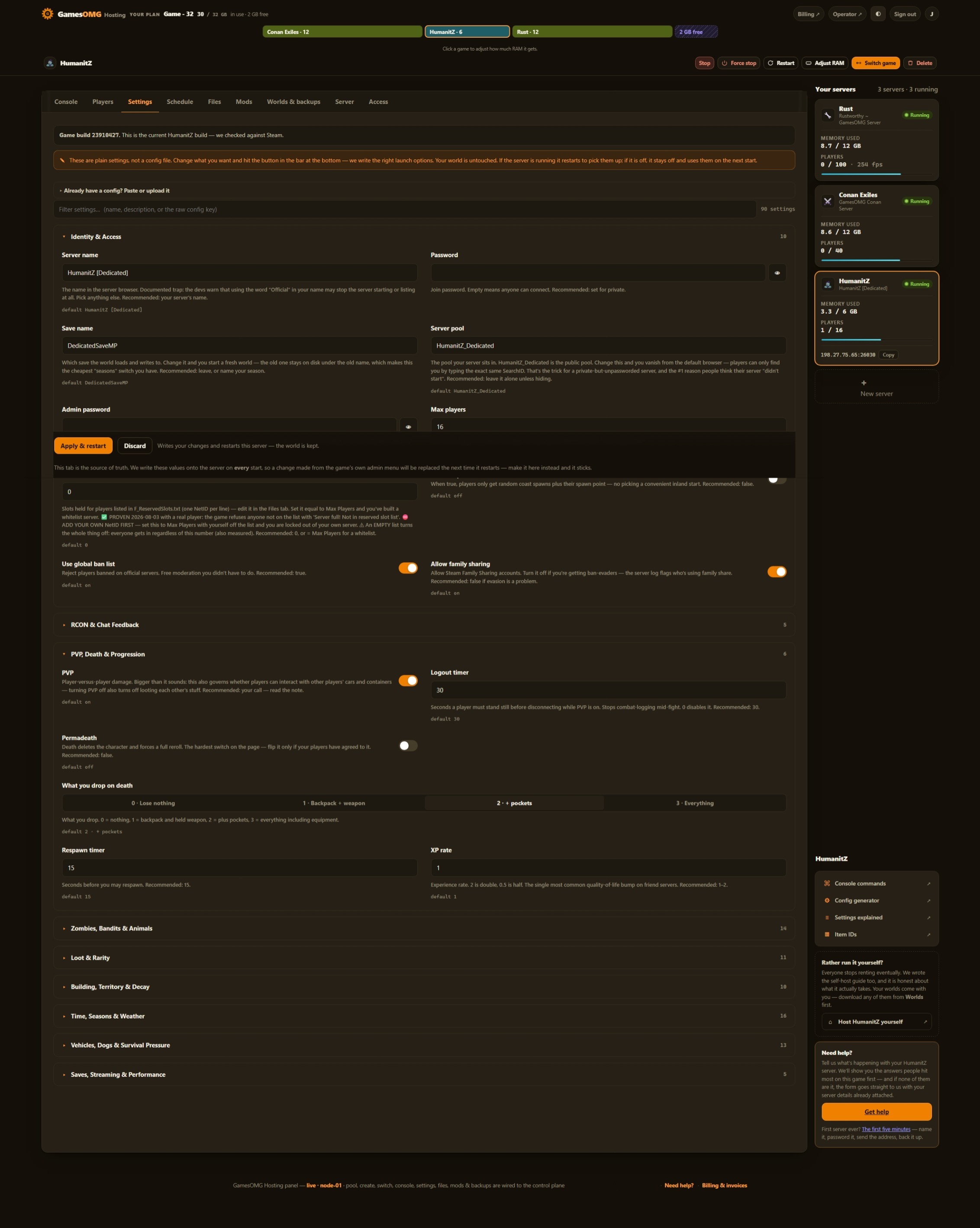
90 settings as labeled fields, each with the game’s own default beside it
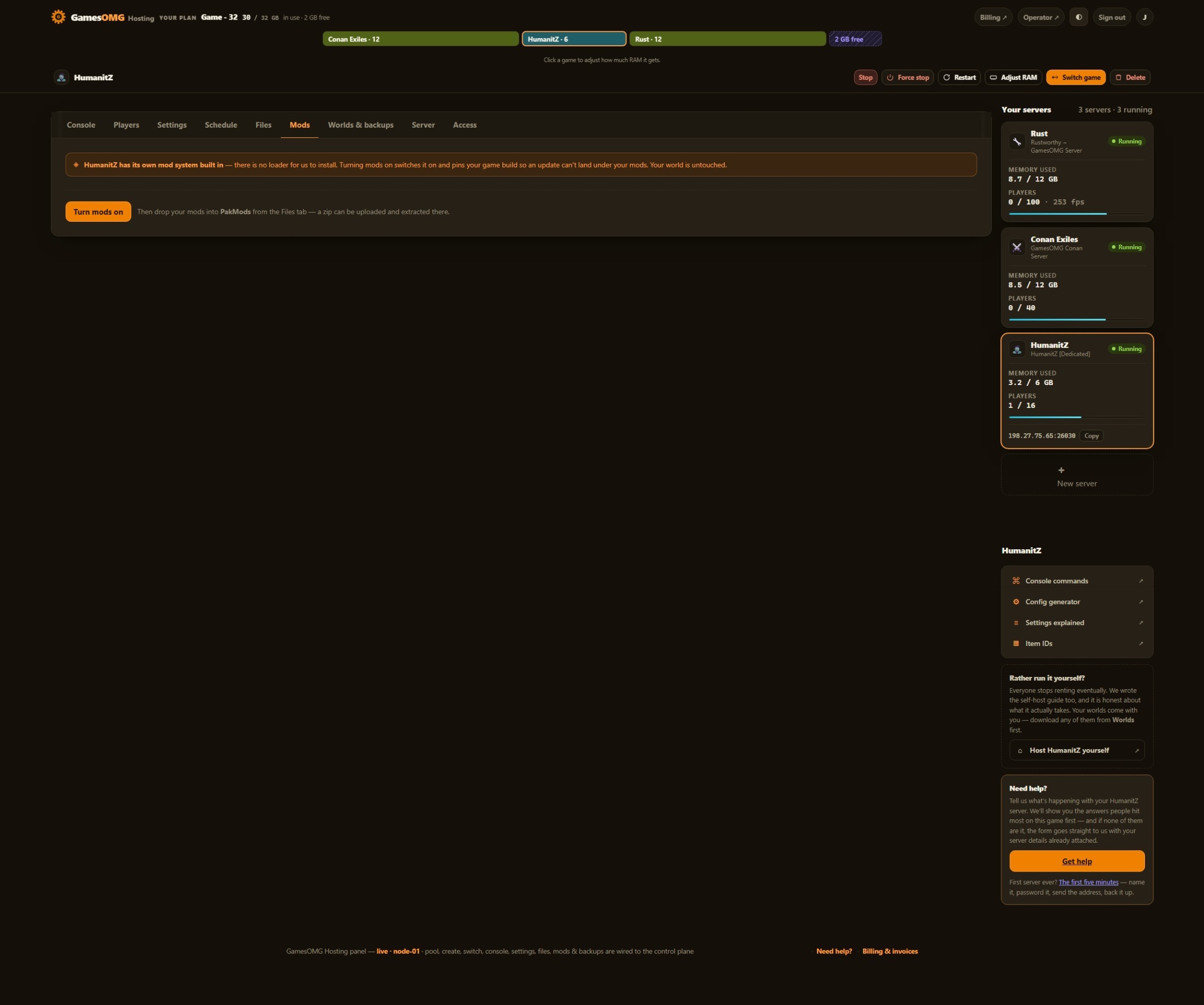
Drop a mod in the file manager — no loader needed
Nightly off-site backups, full file access, and your world downloadable any time — plus the map in your panel
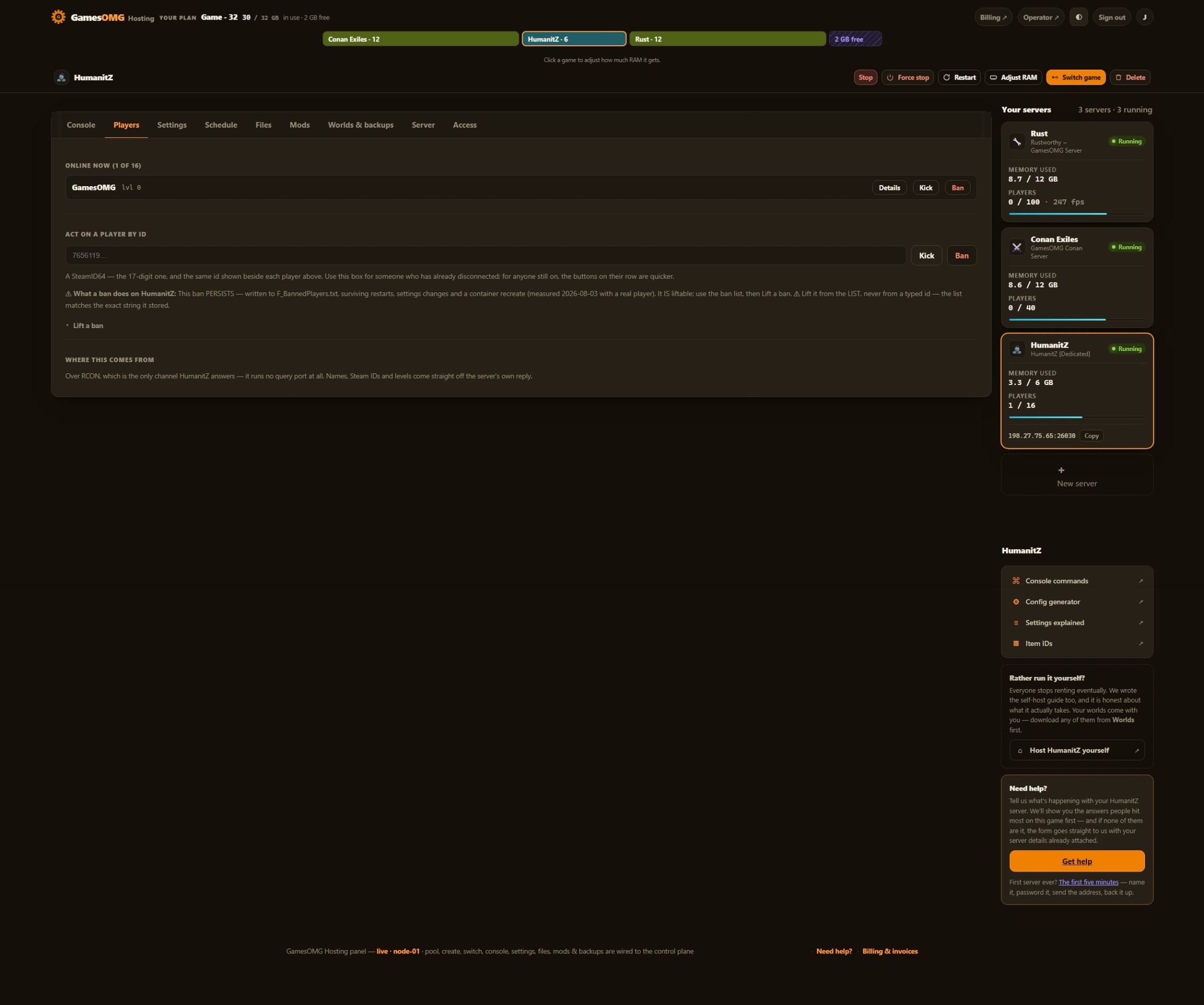
You set the player limit — HumanitZ ships at 16, and we never sell slots
Small groups and fresh worlds — the smallest box we would run this on
monthly · no contracts · 72-hour money-back · nightly off-site backups · cancel from the panel
What comes with a HumanitZ server
All of it on every plan. The rungs differ by memory, not by what you are allowed to do.
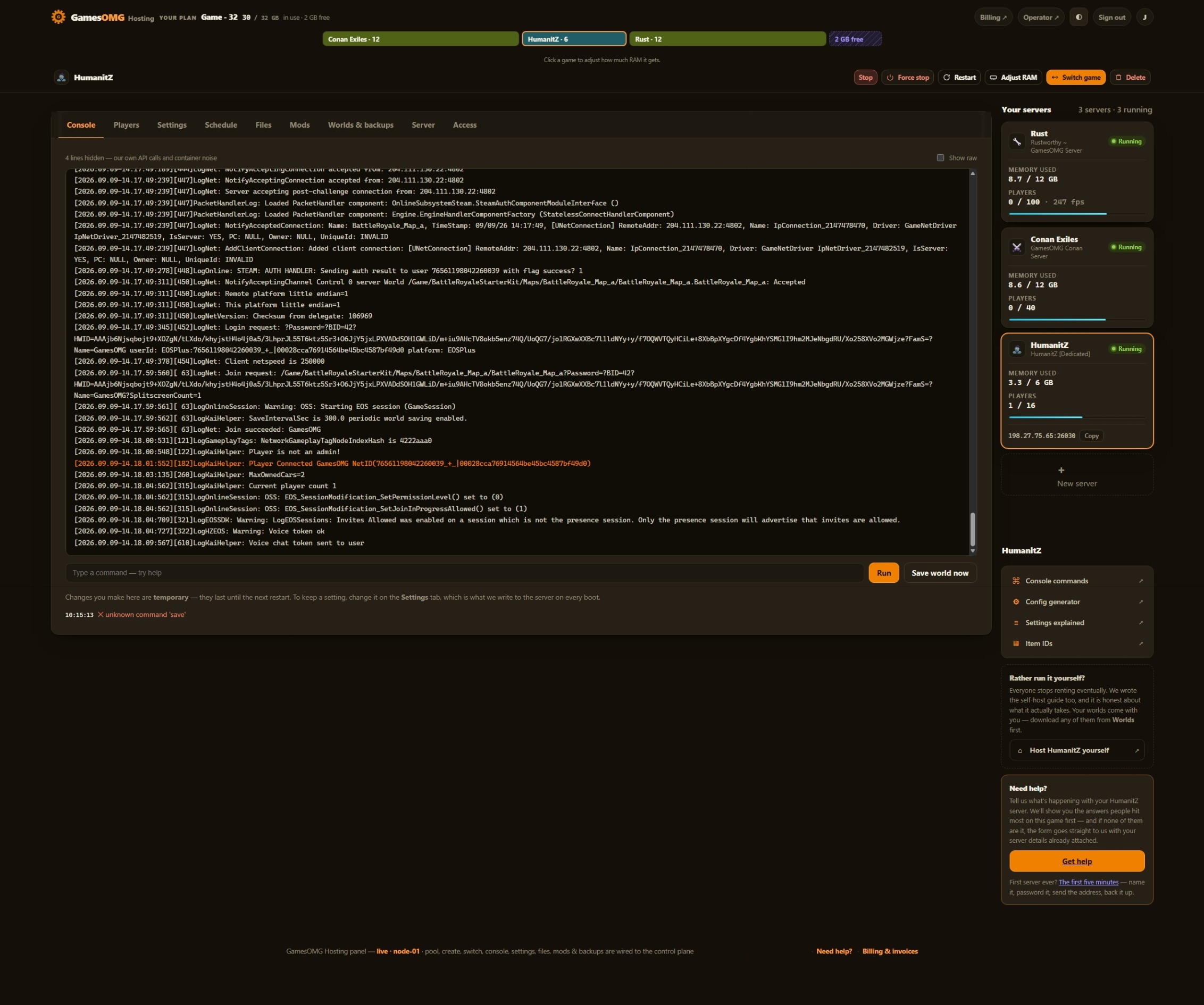
Run it from the browser
No SSH, no ticket, no waiting on us.
- ✓Start, stop and restart whenever you like
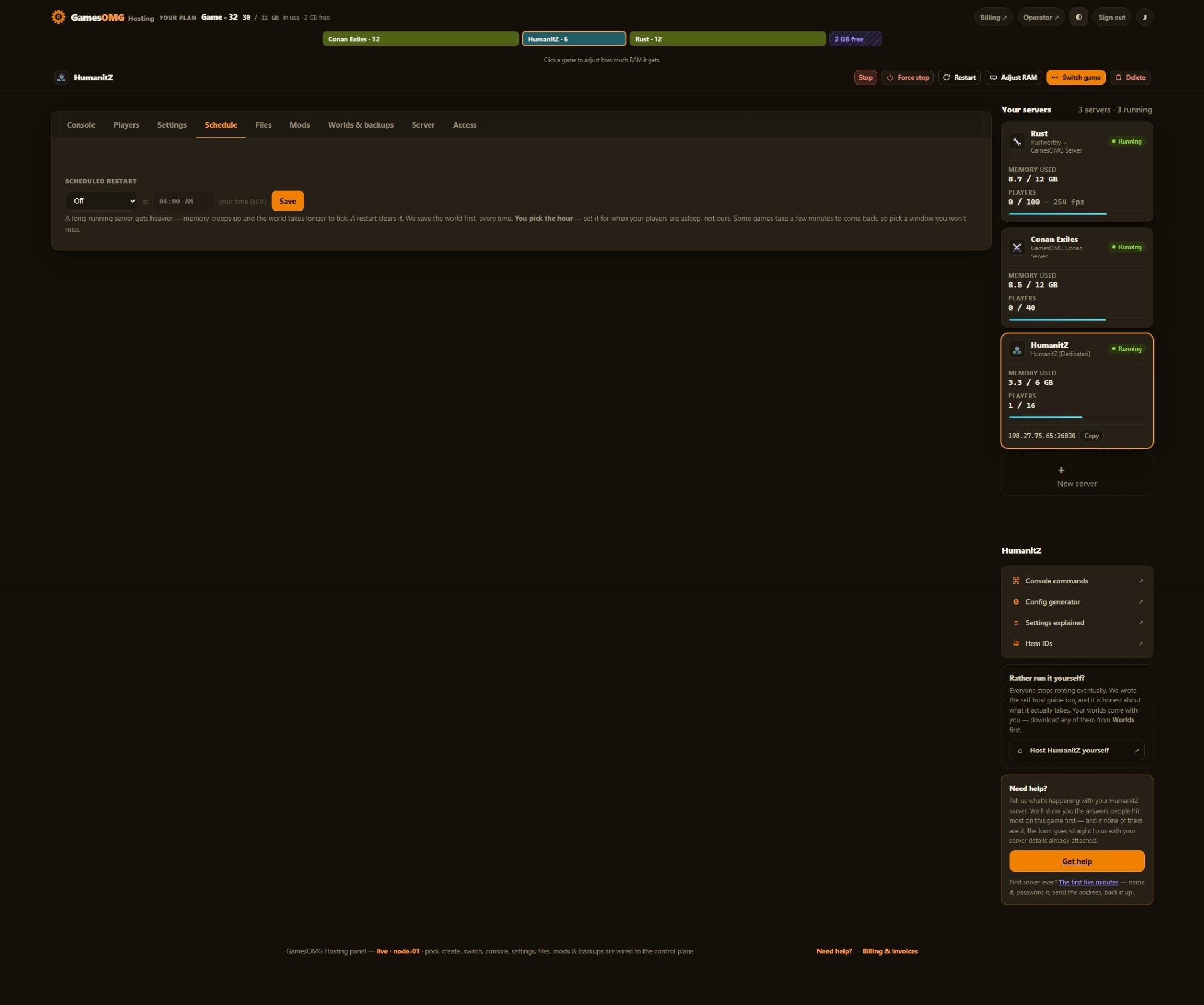
- ✓Scheduled restarts on a timer you set
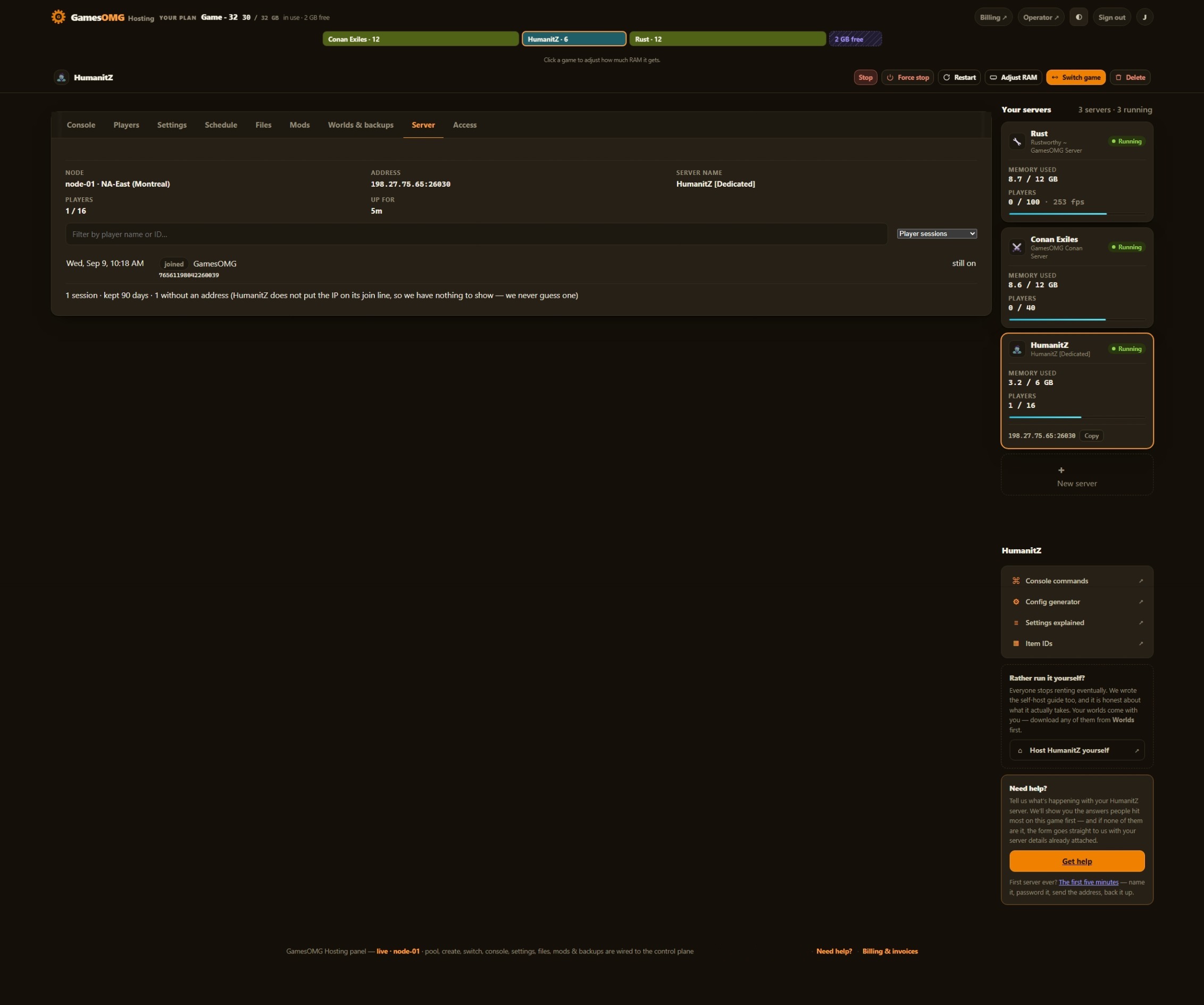
- ✓Password your server and see who is on it
- ✓Switch this server to another game and your HumanitZ world is kept — no charge, no rebuild, switch back whenever
A world that actually saves
The part we found the hard way.
- ✓We save before every stop and before every backup
- ✓Nightly off-site backups — restore or download any of them yourself
Mods, bans and your files
They stick across restarts and updates.
- ✓File manager and config editor in the panel
- ✓Share it with a friend — an invite link or their email, for this one server, revoked whenever you like
- ✓A history you keep — joins, leaves, power actions and setting changes, stored outside the container so a rebuild cannot erase it
- ✓Bring a world in, or take yours out, whenever you want
The hardware, named
You can go and look every part of this up.
- ✓AMD Ryzen 9 9950X — not “premium hardware”
- ✓NVMe SSD storage
- ✓Dedicated RAM, never oversold — the number is on your receipt
- ✓DDoS-protected network
- ✓Direct game and query ports — no proxy hops
- ✓NA East (Montreal), one location, stated plainly
A HumanitZ box sized
by measurement, not guesswork.
We booted the server and read the numbers off it. Everything here follows from that.
3.8 GB idle, so the floor is 6 GB.
Plenty of hosts pick a floor that sounds cheap and hope you never notice the stutter. We pulled the dedicated server, booted it with nobody connected, and read the memory off the running process: 3.8 GB idle, peaking just under 4 with an empty world. A 4 GB plan would have nothing left for the people who join, so we do not sell one. 6 GB is the floor; 8 GB is where the heaviest maps settle.
Your settings, and they stay put.
All 90 keys — zombie difficulty, loot rarity, decay, seasons, the lot — in the panel’s own editor. The part most hosts get wrong: HumanitZ writes that file into its install folder, so on a shared-image host your edits quietly vanish the next time the server is rebuilt. We put it on your volume instead, and proved it survives a restart, a resize and a game switch. The files stay yours to download whenever you want.
Exit insurance, included.
Upload an existing world through the file manager and carry on where you left off, or download yours and walk. Nightly off-site backups are on by default at no extra cost, restorable in one click.
How much RAM does a HumanitZ server need?
We measured a HumanitZ dedicated server idling at roughly 3.8 GB with zero players connected. It peaked just under 4 GB in that state, which is why 6 GB is the honest floor — a 4 GB plan would be full before anyone joined. 7 GB suits a map that has been lived in for a while, and 8 GB covers larger servers and long-running worlds. We would rather publish the measured number than sell you a slot count that hides it.
And if you would rather not choose: your RAM is a pool. Size up once and run HumanitZ and something else side by side on the same plan, with no second bill.
Straight answers, no pitch
How much does HumanitZ server hosting cost?
From $16.50/mo for 6 GB, $22 for 8 GB, or $27.50 for 10 GB — guaranteed dedicated RAM, no slot pricing, no setup fee.
How much RAM does HumanitZ actually need?
We measured a HumanitZ dedicated server idling at roughly 3.8 GB with nobody connected, and peaking just under 4 GB before a single player joined. That is why the floor here is 6 GB and not 4 — a 4 GB plan would spend its whole budget on an empty world. We publish the measured number rather than a slot count.
Can I change the server settings?
Yes — all 90 keys, and we can say ALL because the developers publish the list: the server depot ships a reference file naming every key it reads, and our panel has every one of them. GameServerSettings.ini opens in the panel’s own editor, so there is no SSH and no support ticket, and your edits stick: the file lives on your volume rather than inside the server image, so a restart, a resize or a game switch cannot reset it. And all 90 are labeled fields too, with plain-English explanations and the game’s own default beside each one — shipped, not queued.
Do you back up my world?
Yes — every night, automatically, to off-site storage on a separate network from your server. Restore or download any of them yourself from the panel, no ticket.
Can I move an existing HumanitZ world here?
Yes — upload your save through the panel file manager and keep playing. It works the other way too: your world is always yours to download.
Where are the servers?
NA East (Montreal) — AMD Ryzen 9 9950X, NVMe storage, DDoS-protected network, direct game and query ports with no proxy hops.